Tuesday, May 24, 2011
Saturday, May 21, 2011
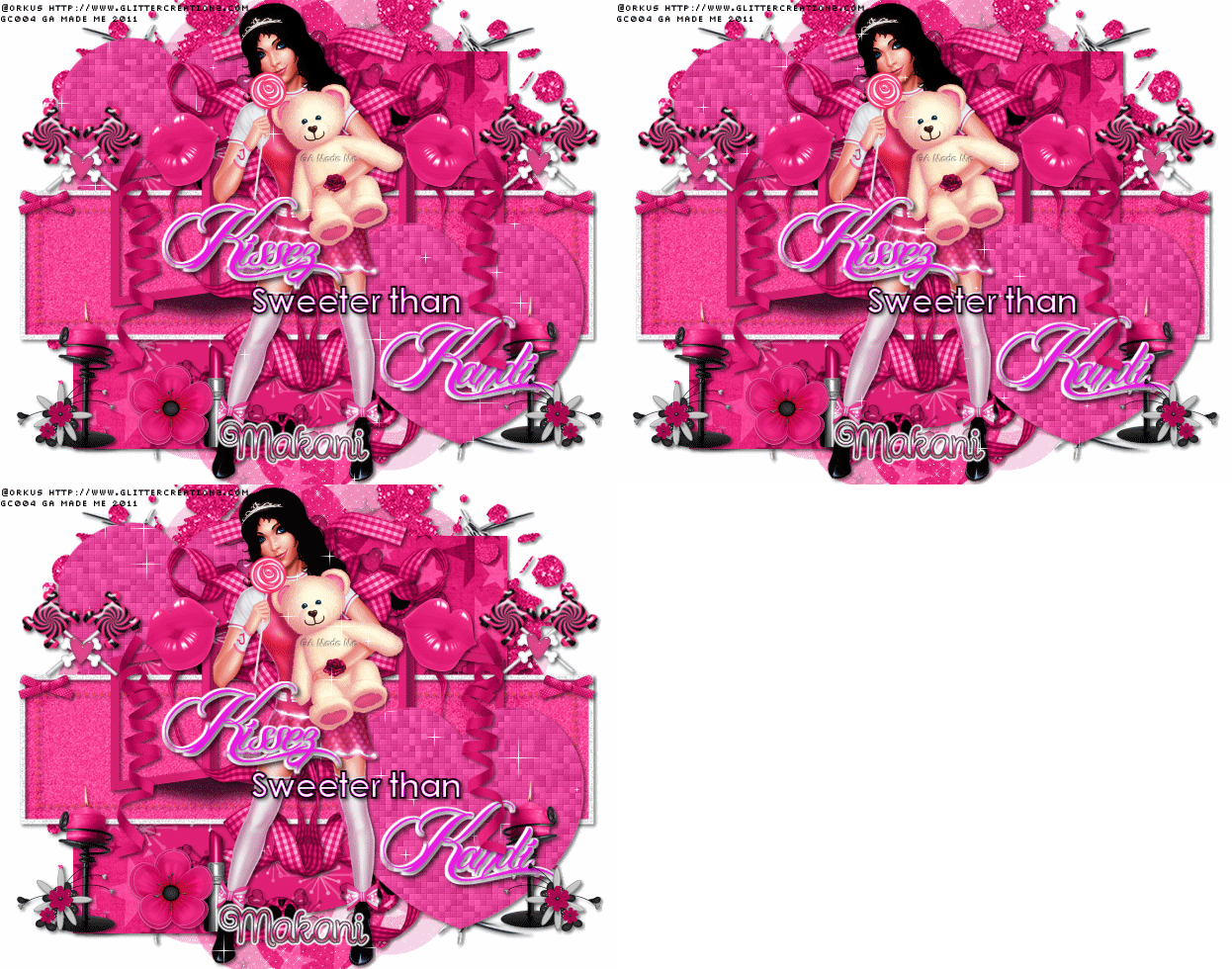
Kiss This (PTU-Verymany)
ARTWORK: Artist @ VERYMANY
In Order to use the image in this tutorial you MUST purchase it from PICSOFDESIGN.COM
PSP 9 (Any Version Will Work)
SCRAP KIT: Kiss This from Alikas Design
MASK: Aqua mask no 16
TEMPLATE: Template Missy 378
FONT: Black Jack
Okay Lets Begin!
Open new canvas 550X550
Paste paper 1 as a new layer.
Activate your mask
Go to load/save mask
Load mask from disk
Find your mask and click load.
Open your template paste them one by one.
Colorize to your liking with the paper of your choice.
Paste a tube of your choice as a new layer.
Place to your liking then paste your elements as a new layer.
Elements are
as 01
as 03
as 09
as 18
as 20
as 39
as 22
as 51
as 50
as 57
as 61
as 64
as 68
sparkle (my sparkle)
Pls resize to your liking.
Use my tag above as a guide.
I resize all my elements 30% to 50%
Dont forget to put drop shadow of choice to all layers.
Add your name and copyright info
Saved your tag as png.
You are done!
Thanks for trying my tutorial.
***Gorgeous Arie 2011***
In Order to use the image in this tutorial you MUST purchase it from PICSOFDESIGN.COM
PSP 9 (Any Version Will Work)
SCRAP KIT: Kiss This from Alikas Design
MASK: Aqua mask no 16
TEMPLATE: Template Missy 378
FONT: Black Jack
Okay Lets Begin!
Open new canvas 550X550
Paste paper 1 as a new layer.
Activate your mask
Go to load/save mask
Load mask from disk
Find your mask and click load.
Open your template paste them one by one.
Colorize to your liking with the paper of your choice.
Paste a tube of your choice as a new layer.
Place to your liking then paste your elements as a new layer.
Elements are
as 01
as 03
as 09
as 18
as 20
as 39
as 22
as 51
as 50
as 57
as 61
as 64
as 68
sparkle (my sparkle)
Pls resize to your liking.
Use my tag above as a guide.
I resize all my elements 30% to 50%
Dont forget to put drop shadow of choice to all layers.
Add your name and copyright info
Saved your tag as png.
You are done!
Thanks for trying my tutorial.
***Gorgeous Arie 2011***
Monday, May 16, 2011
Red Riding Hood (PTU-EC)
ARTWORK: Artist @ ELIAS CHATZOUDIS
In Order to use the image in this tutorial you MUST purchase it from PTE
PSP 9 (Any Version Will Work)
SCRAP KIT: Red Riding Hood from Rieka Rafita
MASK: Rieka mask no 4
TEMPLATE: Missy Template no 378
FONT: Black Jack
Okay Lets Begin!
Open new canvas 550X550
Paste paper 13 as a new layer.
Activate your mask
Go to load/save mask
Load mask from disk
Find your mask and click load.
Open your template paste them one by one.
Colorize to your liking with the paper of your choice.
Paste a tube of your choice as a new layer.
Place to your liking then paste your elements as a new layer.
Elements are
fence
wordart 1
wolf 3
wicker basket
rose
tunna
tree
string 2
rose 3
heartsplatter
lips
necklaceblade
glitterheart
frame 3
flower 1
bow 1
stawhouse
applebucket
apple
axe
sparkle
Dont forget to put drop shadow of choice to all layers.
Add your name and copyright info
You are done!
Thanks for trying my tutorial.
***Gorgeous Arie 2011***
In Order to use the image in this tutorial you MUST purchase it from PTE
PSP 9 (Any Version Will Work)
SCRAP KIT: Red Riding Hood from Rieka Rafita
MASK: Rieka mask no 4
TEMPLATE: Missy Template no 378
FONT: Black Jack
Okay Lets Begin!
Open new canvas 550X550
Paste paper 13 as a new layer.
Activate your mask
Go to load/save mask
Load mask from disk
Find your mask and click load.
Open your template paste them one by one.
Colorize to your liking with the paper of your choice.
Paste a tube of your choice as a new layer.
Place to your liking then paste your elements as a new layer.
Elements are
fence
wordart 1
wolf 3
wicker basket
rose
tunna
tree
string 2
rose 3
heartsplatter
lips
necklaceblade
glitterheart
frame 3
flower 1
bow 1
stawhouse
applebucket
apple
axe
sparkle
Dont forget to put drop shadow of choice to all layers.
Add your name and copyright info
You are done!
Thanks for trying my tutorial.
***Gorgeous Arie 2011***
Subscribe to:
Posts (Atom)