ARTWORK: Artist @ VERYMANY
In Order to use the image in this tutorial you MUST purchase it from PICSFORDESIGN.COM
PSP 9 (Any Version Will Work)
SCRAP KIT: Christmas Memories From Kittie
MASK: Vix mask no 237
TEMPLATE: Missy Template no 378
FONT: Aquarelle
Okay Lets Begin!
Open new canvas 550X550
Paste paper 3 as a new layer.
Activate your mask
Go to load/save mask
Load mask from disk
Find your mask and click load.
Open your template.
Paste them one by one.
Colorize to your liking with the paper of your choice.
Paste a tube of your choice as a new layer.
Place to your liking then paste your elements as a new layer.
Elements are
86
105
109
80
85
64
62
37
39
90
108
82
73
2
13
15
34
my sparkle
Pls resize to your liking.
Use my tag above as a guide.
I resize all my elements 30% to 50%
Dont forget to put drop shadow of choice to all layers.
Add your name and copyright info
Saved your tag as png.
You are done!
Thanks for trying my tutorial.
***Gorgeous Arie 2013***
ARTWORK: Artist @ ELIAS CHATZOUDIS
In Order to use the image in this tutorial you MUST purchase it from EAS
PSP 9 (Any Version Will Work)
SCRAP KIT: Elegance In Green From Krissy
MASK: Vix mask no 233
TEMPLATE: no template
FONT: Monterey BT
Okay Lets Begin!
Open new canvas 550X550
Paste paper 7 as a new layer.
Activate your mask
Go to load/save mask
Load mask from disk
Find your mask and click load.
Open your frame.
Paste them one by one.
Colorize to your liking with the paper of your choice.
Paste a tube of your choice as a new layer.
Place to your liking then paste your elements as a new layer.
Elements are
jewelled cloud frame 1
gingham frame 1
bead scatter 1
bow 2
orchid 1
string 1
teapot and tea cup 1
staple 1
pretty gift bag 1
my sparkle
Pls resize to your liking.
Use my tag above as a guide.
I resize all my elements 30% to 50%
Dont forget to put drop shadow of choice to all layers.
Add your name and copyright info
Saved your tag as png.
You are done!
Thanks for trying my tutorial.
***Gorgeous Arie 2013***
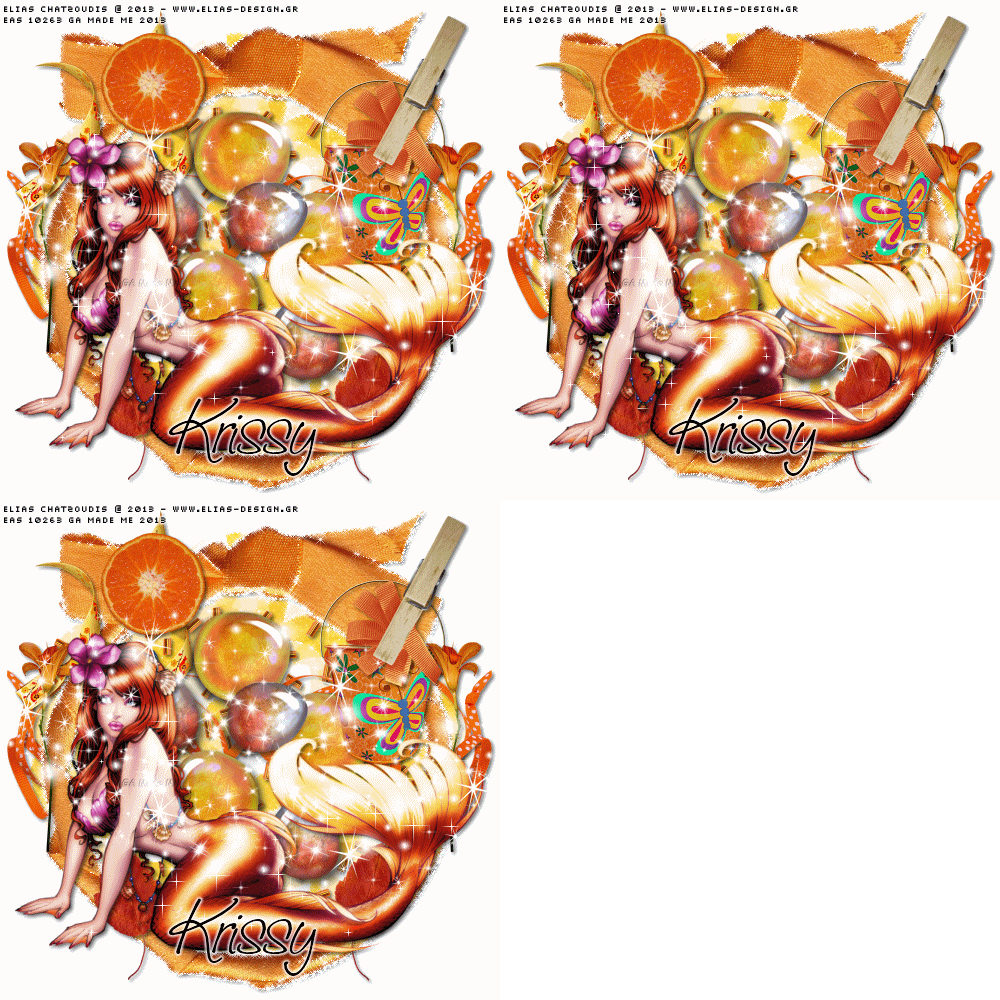
ARTWORK: Artist @ ELIAS CHATZOUDIS
In Order to use the image in this tutorial you MUST purchase it from EAS
PSP 9 (Any Version Will Work)
SCRAP KIT: Orange Ya Happy from Krissy
MASK: Vix mask no 232
TEMPLATE: no template
FONT: Saginaw
Okay Lets Begin!
Open new canvas 500X500
Paste paper 2 as a new layer.
Activate your mask
Go to load/save mask
Load mask from disk
Find your mask and click load.
Open your ribbon frame.
Paste them one by one.
Colorize to your liking with the paper of your choice
Paste a tube of your choice as a new layer.
Place to your liking then paste your elements as a new layer.
Elements are
ribbon frame 1
bead scatter 1
curly ribbon 1
clipped flower 1
scattered glass pebbles 1
patterned bow 1
decorated pail 1
orange slice 1
natural bloom 1
leaf 1
my sparkle
Pls resize to your liking.
Use my tag above as a guide.
I resize all my elements to 30%-50%
Dont forget to put drop shadow of choice to all layers.
Add your name and copyright info
Now will go for my animation sparkle thingy lol
Go to layer 2(mask) constellation setting 2.21 50 60 0 100 75 click ok
Go to layer 3(frame) add noise gaussian 40 click ok
Go to layer 4(tube) sparkle setting is 20
First layer save them as tag1gif.
Go to layer 2(mask) xenofex click random seed 1x
Go to layer 3(frame) add noise gaussian 35 click ok
Go to layer 4(tube) sparkle setting is 25
Second layer save them as tag2gif.
Go to layer 2(mask) constellation click random seed 1x
Go to layer 3(frame)add noise gaussian 30 click ok
Go to layer 4(tube) sparkle setting is 30
Third layer save them as tag3gif.
Lastly open your tag view animation
Saved your tag as gif.
You are done!
Thanks for trying my tutorial.
***Gorgeous Arie 2013***